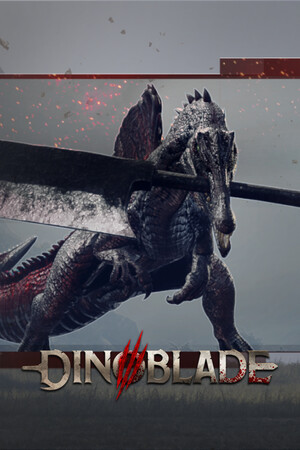
Keyboard and Mouse Controls
Dinoblade PC keyboard controls: WASD movement, attack combos, block/parry, Alpha Roar, character menu, and all default key bindings.
Default Key Bindings
Movement: WASD. Jump: Space. Run/Sprint: Shift. Interact/Pick up: E. Light Attack: Left Mouse. Heavy Attack: C (hold to charge). Block/Parry: Right Mouse. Alpha Roar: F. Summon: 4. Character Menu: Tab.
Dodge/Roll: bound to a dedicated key (check in-game options as defaults may vary by patch). Menu and pause: Escape.
Related reading
Non-QWERTY Keyboards
Early demo builds lacked WASD remapping, frustrating AZERTY users. Post-patch updates added rebindable movement keys. If defaults feel wrong, open Options immediately and remap movement before starting combat.
Related reading
Frequently Asked Questions
What key opens the character page?
Tab — spend Boss SP and blue souls here.
How do I summon a boss?
Press 4 (default) when summon is off cooldown.